WhatsApp Desktop
WhatsApp for PC is the most popular web app that helps you end-to-end encryption chat and audio/video calls.

Safe & Secure
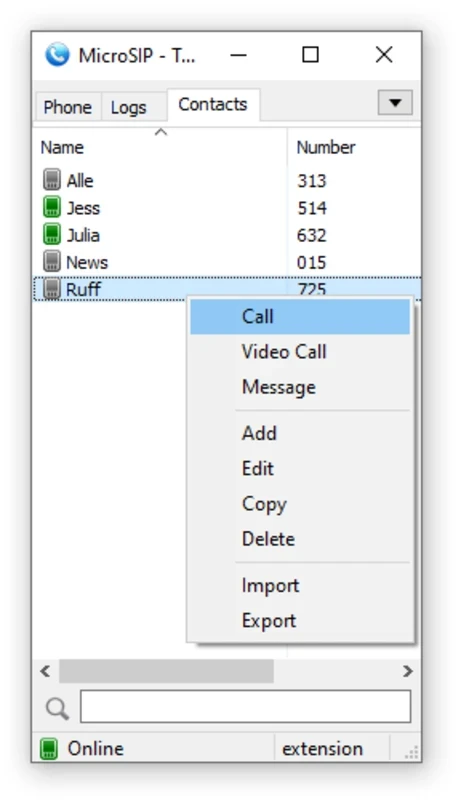

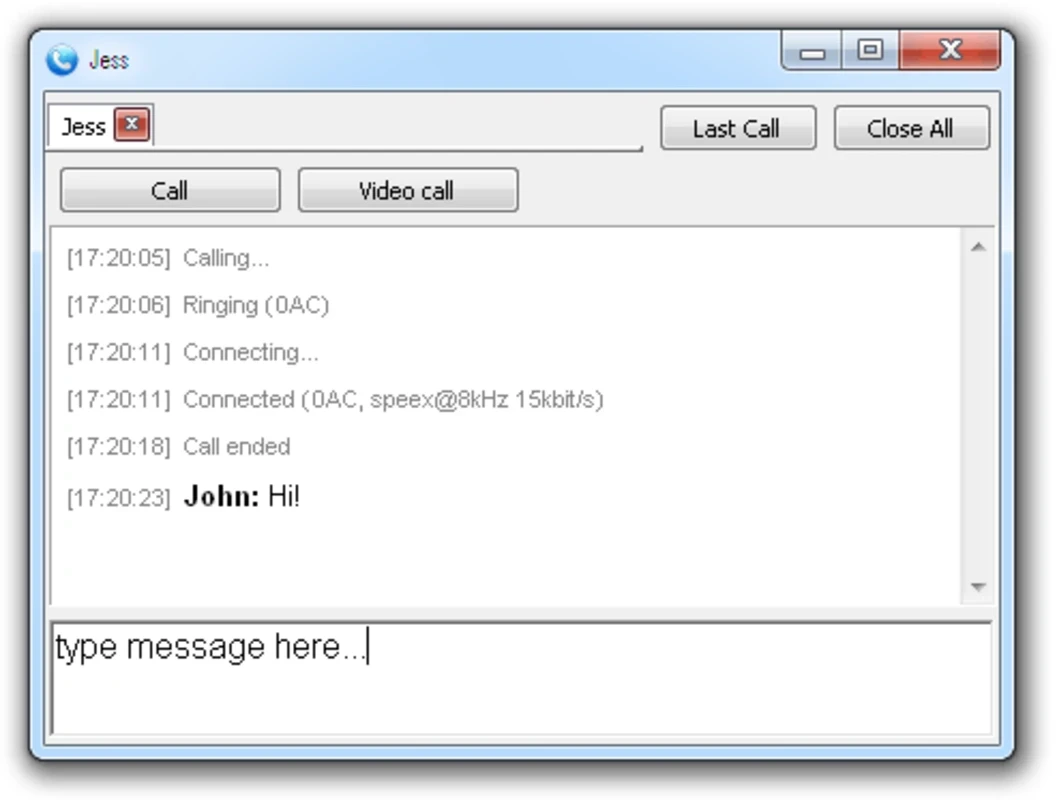
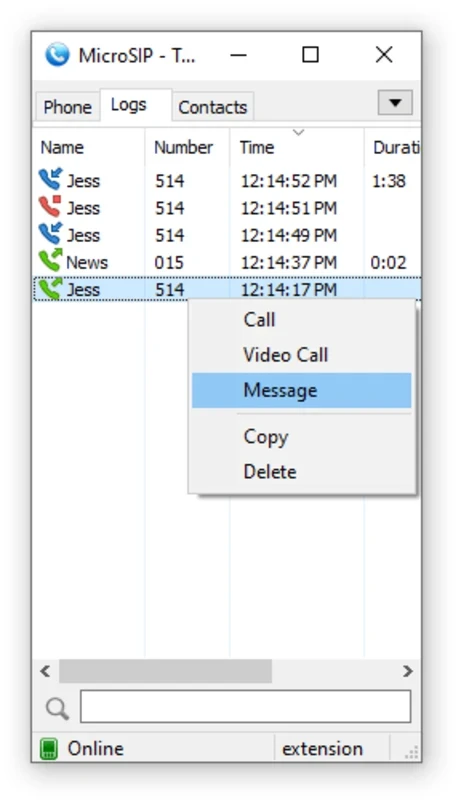
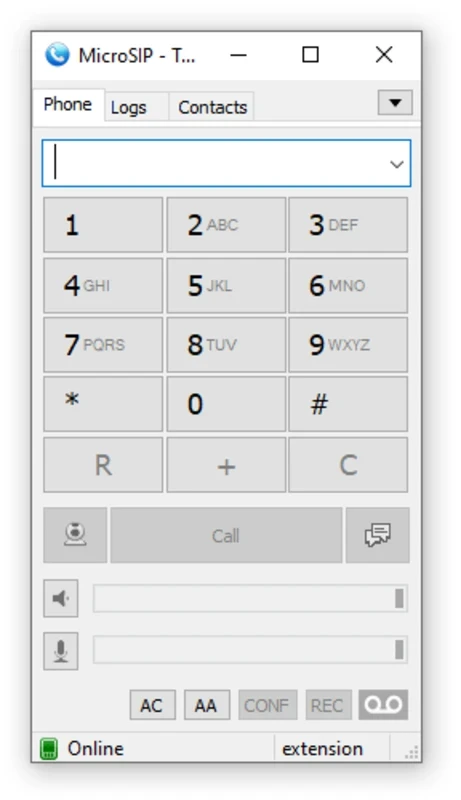
MicroSIP is an open-source Windows application to enable the users run their communication sessions on a PC using the Session Initiation Protocol (SIP). The lightweight and free-to-use utility offers high-quality Voice over IP (VoIP) capability, offering modern codecs and a simple interface.
The SIP-based app offers seamless integration to all types of VoIP providers and SIP servers, enabling the users to make VoIP calls for free, even international calls as well. You have to start with account creation on SIP if you don’t have one.
MicroSIP is one of the most powerful VoIP services for providing free call facilities across the world without paying any fees. In the modern era, the style of sending and receiving messages has changed because of the many instant messaging and calling apps available on the Internet. Now, it is easy to contact any of your friends, business partners, and family members with a single click.
MicroSIP is one such groundbreaking softphone software for keeping you in touch with others, regardless of the city or country. It works in a simple manner, as you need only to install the app and use the dial pad to dial the phone number of any of your contacts.
The app is available for free with simple to use process, demanding a SIP account. You can use an existing SIP account as well, and keep in mind that it doesn’t replace a consumer calling app. After creating an account, you will find a dial pad, contact book, and call history. You will also find seamless integration with the Windows address book, and support for call transfers, holds, simultaneous conversation, and multiple lines, divided into separate tabs.
It is compatible with multiple SIP service providers to enable users to select as they desire. You can set up the SIP account within a few clicks, offering seamless integration with your desired VoIP service. In fact, the app proves to be the best option for people who already have SIP service for running a small business, requiring a straightforward, lightweight desktop phone. It offers person-to-person calls for free, but you have to pay for selected services to make calls.
It is one of significant feature, offering modern codec, such as OPUS, G.711, G.22, and G.729. in the way, you will find your conversations clear and uninterrupted, optimizing audio quality and reduce latency using the integrated codecs. It offers auto-adjustment for audio quality according to network connection, offering the best calling experience in different network conditions.
The availability of multiple innovative controls helps users to handle the app as they want, such as assigning contact-specific ringtones, configuring audio and video settings, and also setting it to reply to or reject calls automatically. The innovative controls reliably enhance the productivity of the app, without turning it into an oversized communication suite.
Beyond simplicity, the app also embedded with multiple advanced capabilities to enhance the user experience. So, you can send and receive calls, transfer calls, offer support for multiple lines, and place calls on hold. Moreover, it helps to manage contacts and calls with support for the Windows address book. However, the old-fashioned design with demand of SIP account make the app less welcoming compared to other mainstream chat apps.
Privacy and security are main considerations in VoIP conversations, and the app gives them more importance, supporting encryption protocols such as Secure Real-time Transport Protocol (SRTP) and Transport Layer Security (TLS), ensuring all of your calls and data transmission are completely foolproof. It offers an extra layer of privacy, protecting you from all types of unauthorized interception.
This flexible support allows users to open multiple conversations simultaneously. So, it is possible to start a video call while already having an ongoing call. You are also capable of customizing the ringtone to specify your contacts and configure audio and video options for their calls. Moreover, the lightweight and resource-efficient app proves to be the best solution, even for hardware with limited capabilities, as it doesn’t impact your system’s performance while working in the background.
Pros
Cons

WhatsApp for PC is the most popular web app that helps you end-to-end encryption chat and audio/video calls.

Microsoft Teams collaboration and communication tool for personal and professional use

Download Facebook Android APK on PC Windows (7/10/11) to upload and share your happy memories, photos, and videos.

Zoom App for PC get all of your co-members and students in a video conference

Discord Canary, test upcoming features before they release

Telegram Desktop is Communication app for PC. Working under the MTProto protocol.